A clean, lightweight, and powerful PDF reader for Android. Open, bookmark, merge, split, lock and unlock files — all in one place. Built for students, professionals and everyday readers.
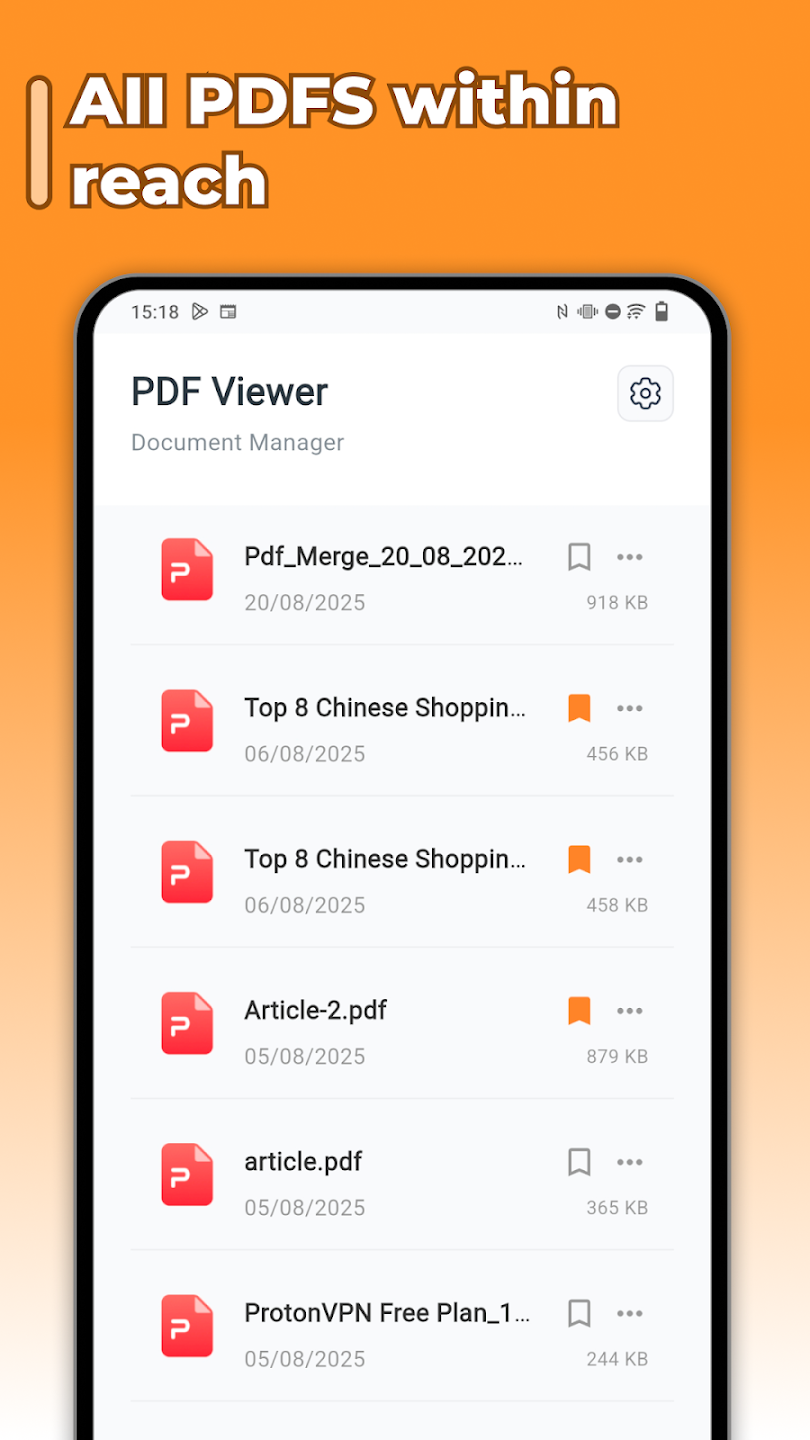
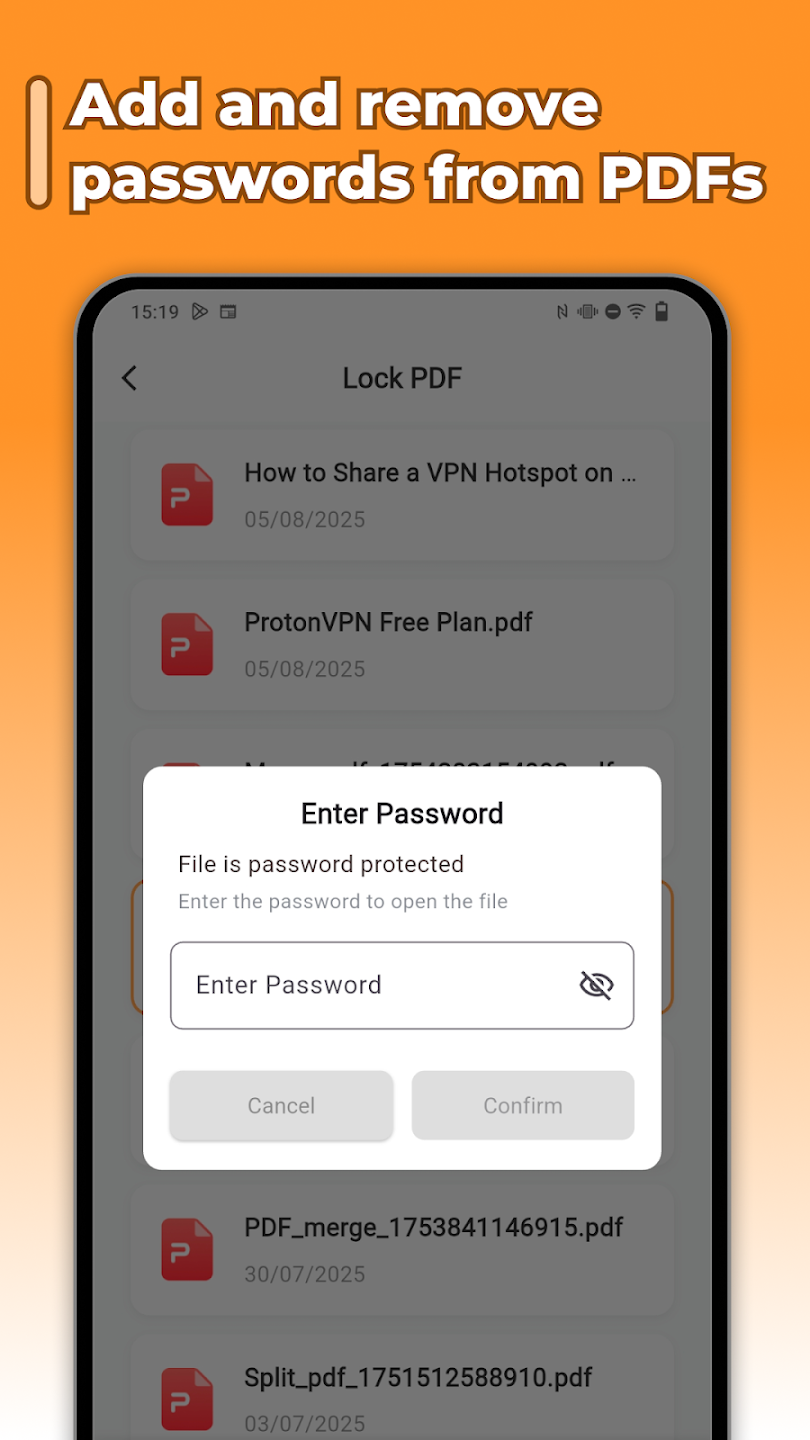
From quick reads to full document workflows — open files instantly, organize favorites, then merge, split, lock, or unlock without leaving the app.
Open any PDF document with high speed and clarity. A reliable PDF viewer for Android that just works — no clutter, no lag.
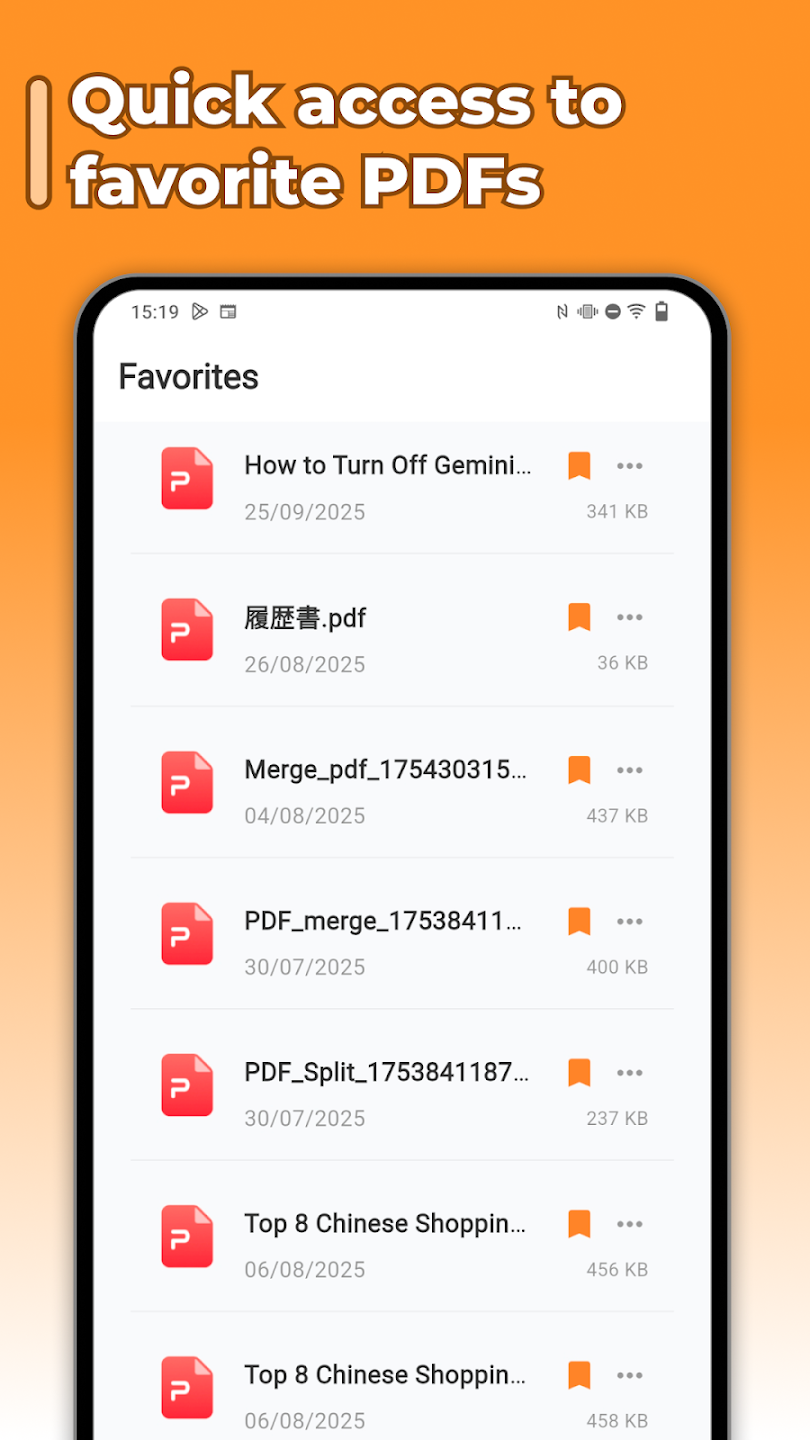
Save favorite pages and quickly revisit recently opened files — your reading picks up right where you left off.
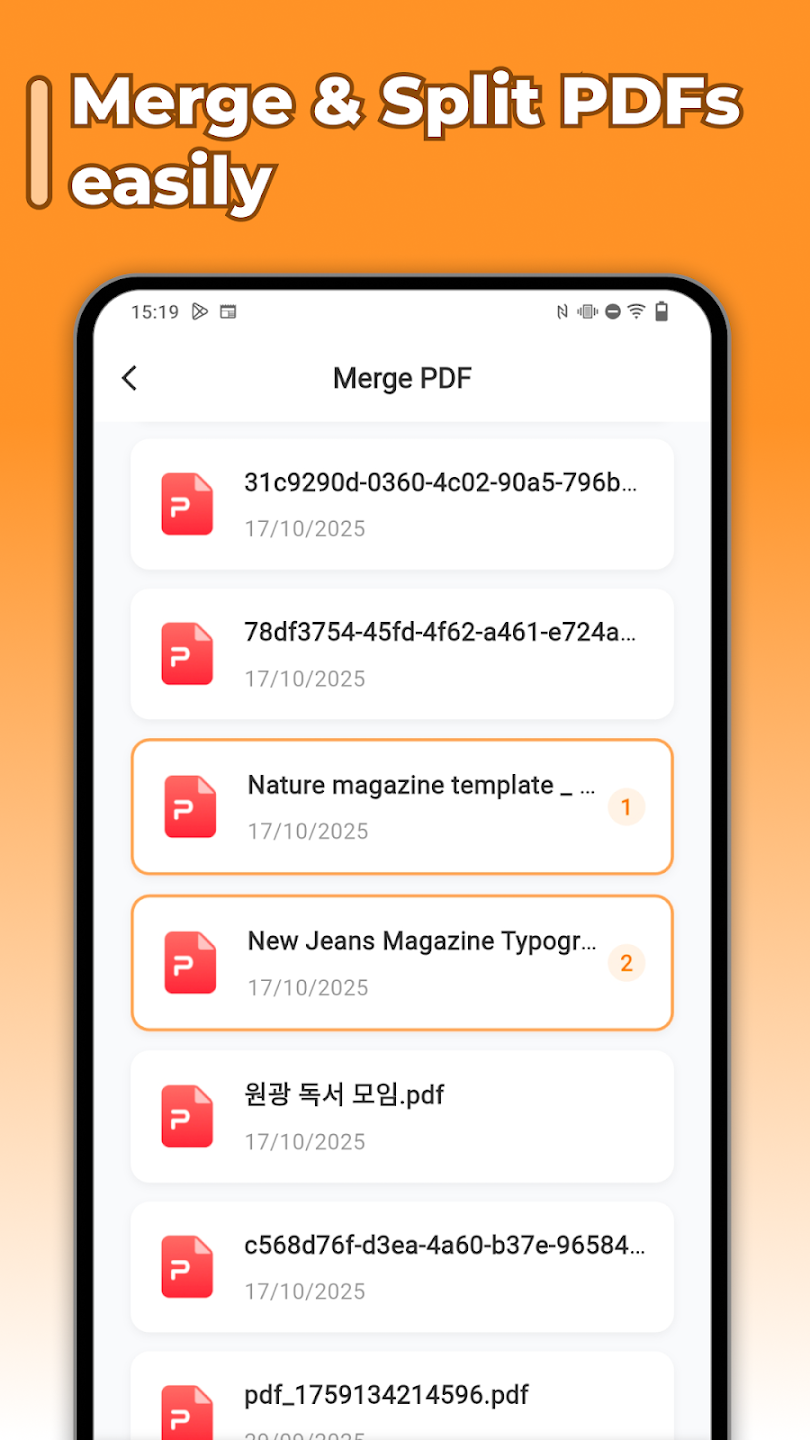
Pull together reports, contracts, study notes — combine documents in a tap.
Break a hefty PDF into bite-sized sections — perfect for sharing or skimming.
Protect sensitive files with password encryption, or remove existing restrictions in seconds.
Tap a file to view it instantly. Recently opened documents are kept one tap away.
Bookmark important pages, mark favorites, and find the right document in seconds.
Merge, split, lock or unlock — all the PDF essentials, built right in.
Swipe through to see the document list, merge view, password lock and favorites — exactly how they look on your phone.
Whether you need to study notes, manage contracts, or organize work reports — this PDF app keeps everything simple and efficient. Essential PDF tools in one place.
Yes. The app is free to download and free to use — no hidden fees and no paywalls behind the core PDF tools.
It is currently available for Android via Google Play. The app is lightweight and runs smoothly on a wide range of devices.
Yes. Core operations like merging, splitting, locking and unlocking happen on your device, so they work offline.
You can set a password to lock a PDF, or unlock files by entering the existing password. Both actions take just a few taps.
Not at all. The app is designed to be lightweight and resource-friendly so it runs fast even on older devices.
Download now and turn your phone into a complete PDF toolkit — view, merge, split, lock, unlock and more.